
Break Glass Access for WordPress
The purpose of Break Glass Access
Why Break Glass Access exists and what it solves. See how a site owner without admin rights can still secure their own website — at any time.
★★★★★ Trusted by web managers · recommended by KVWB
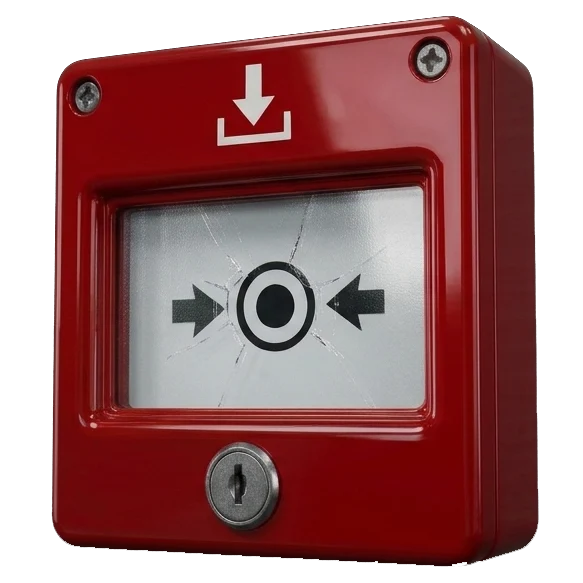
The purpose
Deliberately limited permissions. Many website owners do not have admin rights — and that is sensible. With admin rights, someone without the right knowledge can accidentally break settings or even take the site offline.
That is why owners often only get the rights they need — for example as author or editor: updating text and uploading images is possible, changing important settings is not.
But there is a risk. What if the web manager suddenly becomes unreachable — due to illness, bankruptcy or death — and something needs to happen with the website? Then the owner is stuck with someone they cannot reach.
That is what Break-Glass Access is for. With this plugin the owner can then, safely and in a controlled way, create and download a complete backup of the website — regardless of their user role. With that backup a new manager can restore or move the site. The owner never becomes an administrator, and every step is reported and logged.
How it works in practice
When the owner activates emergency access, this is what happens:
1
Without the web manager, on the emergency page.
2
The code is sent to an email address or mobile number set by the manager in advance. The owner cannot change that address or number.
3
During emergency access, the website owner can only create a backup, nothing else. They are never given admin rights.
4
A complete copy of files and database, created on the server side.
5
The owner hands the backup to a new manager, who restores it to a server and the website is back online.
6
Log and notification by email (and SMS with Pro) to the manager; access expires automatically.
Why it is safe
Never admin by default
The website owner only creates a backup with their own role. No admin rights.
Access expires automatically
After the set time, emergency access closes automatically.
Everything is traceable
A log and notification for every step. Nothing goes unnoticed.
Ready to secure your website?
Start for free, or see what Pro offers you.

