
Break-Glass Access for WordPress
Always access to protect your website
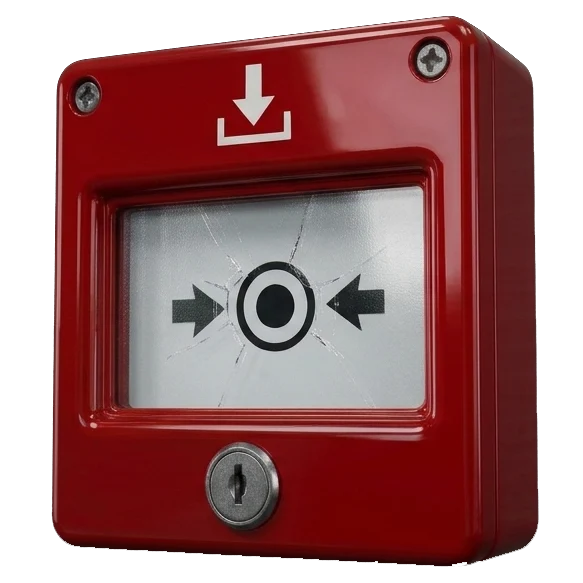
One secure emergency button for when a web manager is unreachable. Always keep control of your own site.
★★★★★ Trusted by web managers · recommended by KVWB
Secure your website in four steps
Why Break-Glass Access?
What if your web manager suddenly becomes unreachable — due to illness, bankruptcy, business closure, or worse? With Break-Glass Access you can always create a complete backup of your website, regardless of your user role. This way your website can be secured, even without full admin rights.
Emergency access in one click
Start emergency access without involving a web manager. No waiting, no hassle.
Safe backup, keep control
Create a complete backup without admin rights. Always safe.
Hand over to a new manager
Transfer your backup to a new web manager, who can easily restore the website to a new server.
Safe: no admin account is created
You keep your own role — subscriber, author or editor. During emergency access, only rights to make a backup.
How it works
Back in control of your own site in three steps.
Request a code yourself
If you are a subscriber, author or editor on the website and have been set up in the plugin by your web manager, request access. The code is sent to your email or mobile number.
Create a safe backup
After activation, the backup program is installed and activated.
A complete backup can be created. Safe on the server side.
Restore and take over
Hand the backup to a web manager or restore it yourself to a server and you have a working website again.
Free to try, a plan for those who need more
Start free with the full emergency button. Choose a plan when you need more.
Ready to secure your website?
Start today with the free emergency button, or go straight to Pro.

